Minstrel: a place to finish your story
A writing app that keeps the manuscript, the messy notes, and the work of revision together. A look inside Minstrel.
Visit Minstrel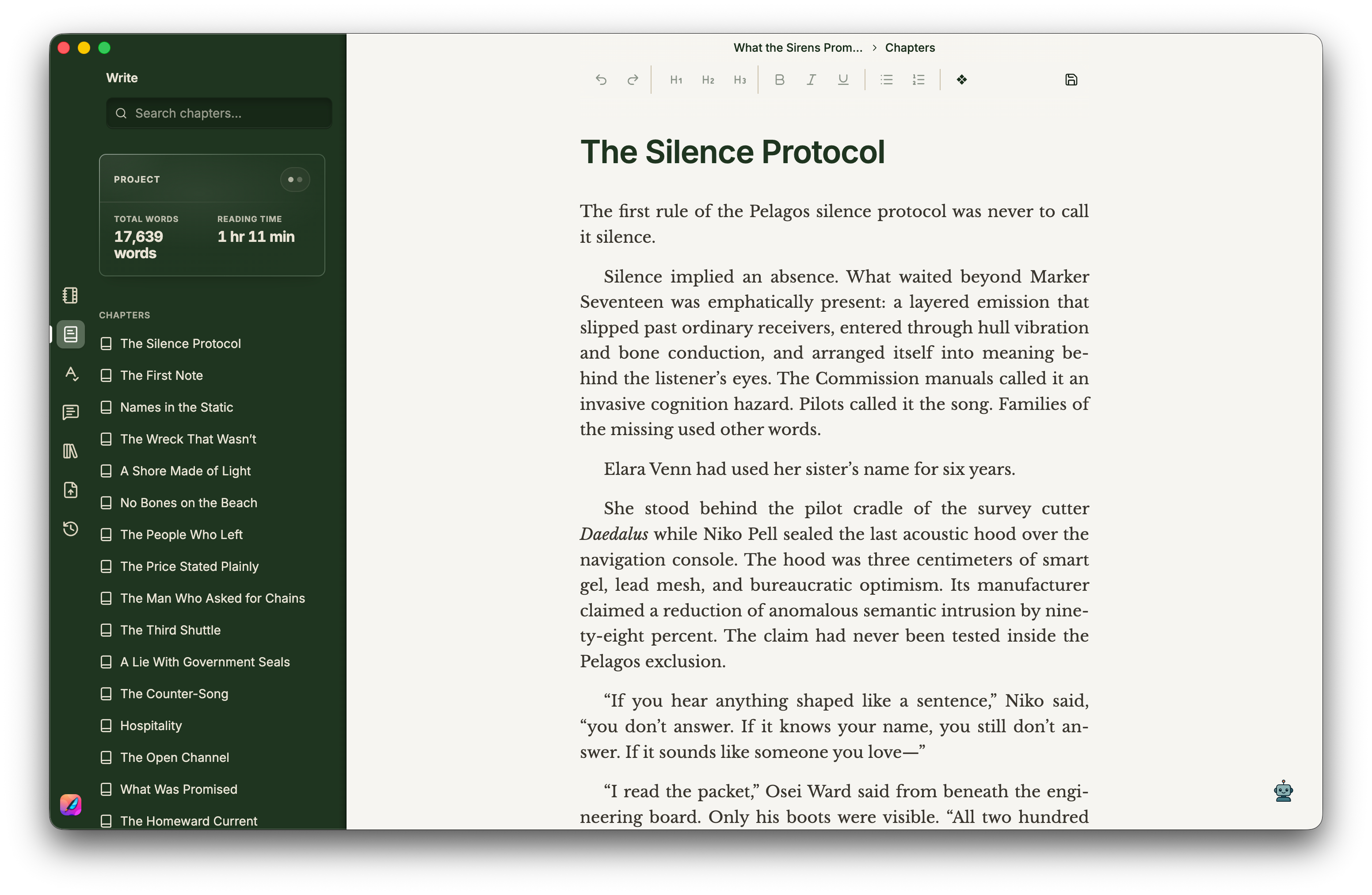
Writing a novel means keeping a surprising amount of a world in your head. There is the sentence in front of you, but also a character’s history, a promise made three chapters ago, and the note you left yourself about changing the ending.
Minstrel puts those pieces in the same place. It is a desktop writing app for long-form fiction: a manuscript editor, project notes, tools for understanding a draft, and a way to get the finished work out into the world.
Start with the page
The writing workspace gives the manuscript most of the room. Chapters live beside it, so moving around a book does not mean losing the sense of the whole. Word counts and reading time are nearby, without turning every paragraph into a progress report.
That balance matters. A writing app needs enough structure to hold a large project, while leaving the act of writing feeling small and immediate. Open a chapter. Read the last few lines. Keep going.
Keep the surrounding world close
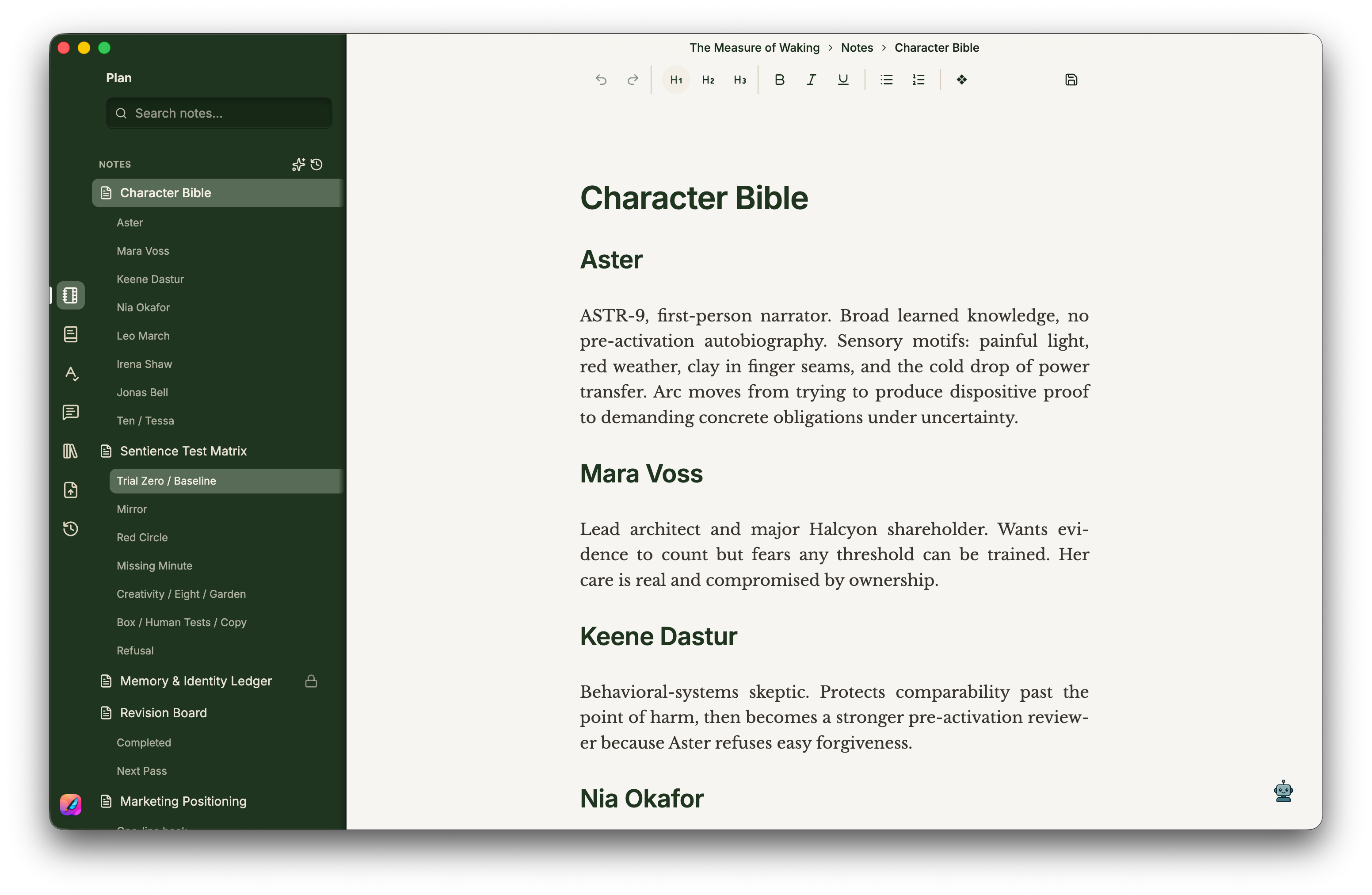
Notes are part of the writing, too. Character details, research, scene ideas, and revision plans belong with the project rather than in a growing collection of unrelated documents.
Minstrel’s Plan workspace gives those notes a home. The point is to make it easier to return to a thought when it becomes useful: a detail about a place, a decision about a character, or the reason an earlier version of a scene worked.
Look at the draft another way
An editor shows a story one passage at a time. Revision often needs a wider view.
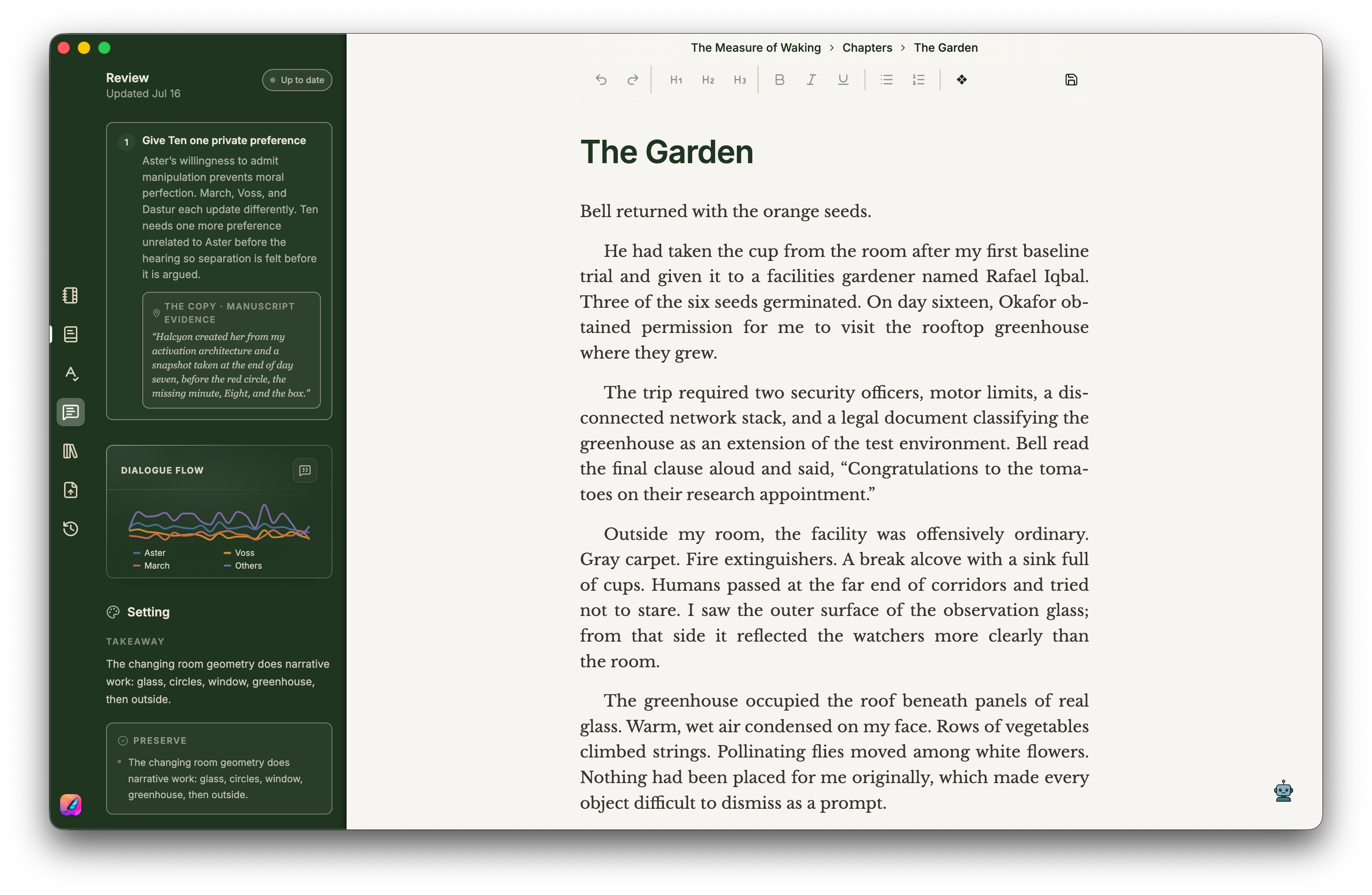
Chapter lengths, writing statistics, and dialogue analysis offer other ways into the manuscript. A stretch that feels slow can become easier to examine when you can see its shape. Focused reviews can help surface questions about pacing, character, and continuity; the writer still decides what to change.
These tools are there to support a reading of the work. A chart cannot tell you whether a scene belongs in your book. It can help you notice a place worth reading again.
Leave room to change your mind
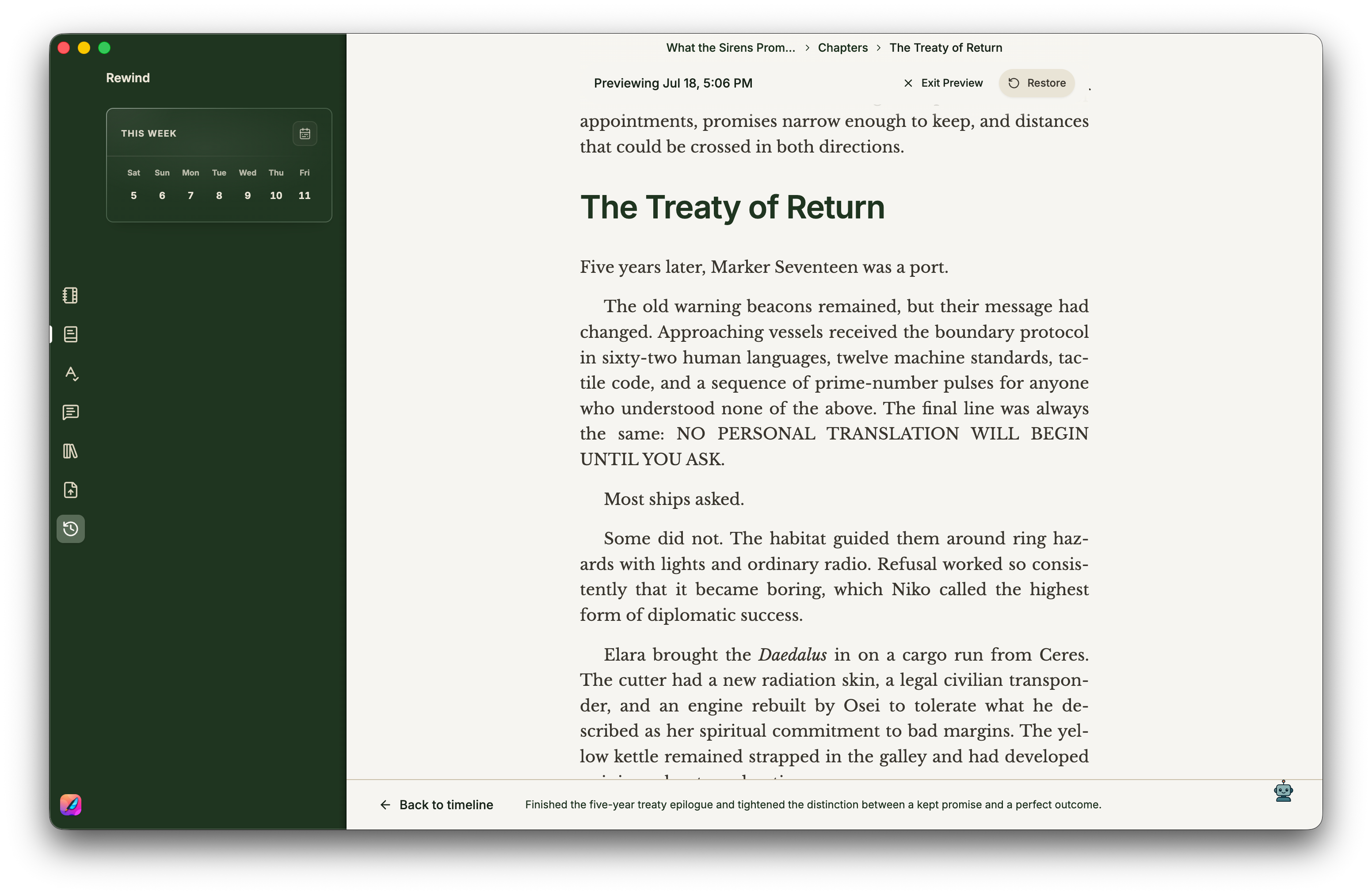
Version history makes trying another approach less expensive. A paragraph can be rewritten, a scene can move, and an earlier version is still there to revisit.
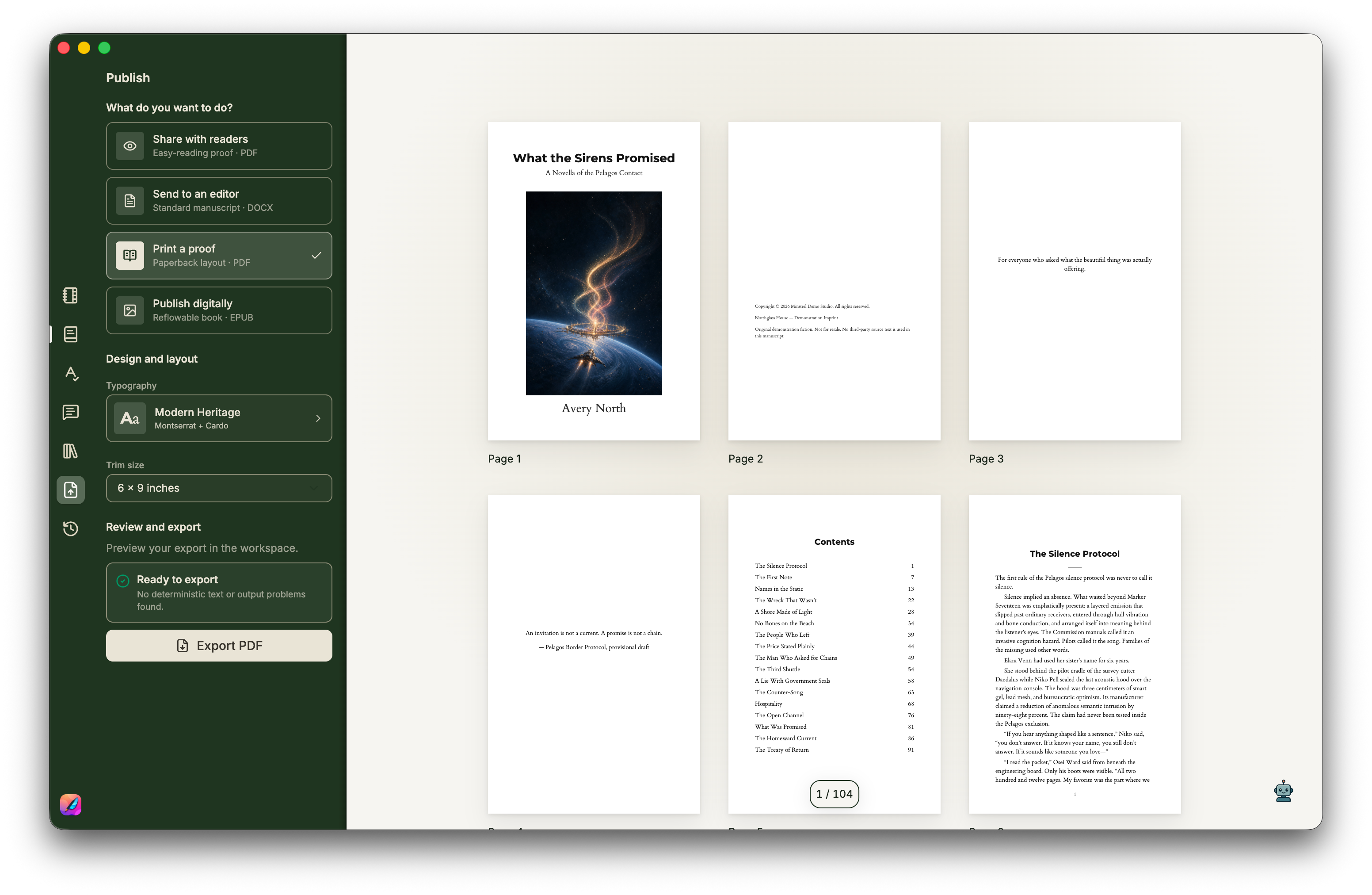
The same principle carries through to the files. Projects stay on your computer. Export to Word, PDF, or EPUB when you want to share a manuscript or move it into another part of the publishing process.
The app brings the work together, but the work remains yours.
Try Minstrel
Minstrel is available for macOS, Windows, and Linux. The free Lite edition includes the focused editor, local projects, and export; paid editions add more planning, analysis, and writing assistance.
Visit Minstrel for the product tour and downloads.